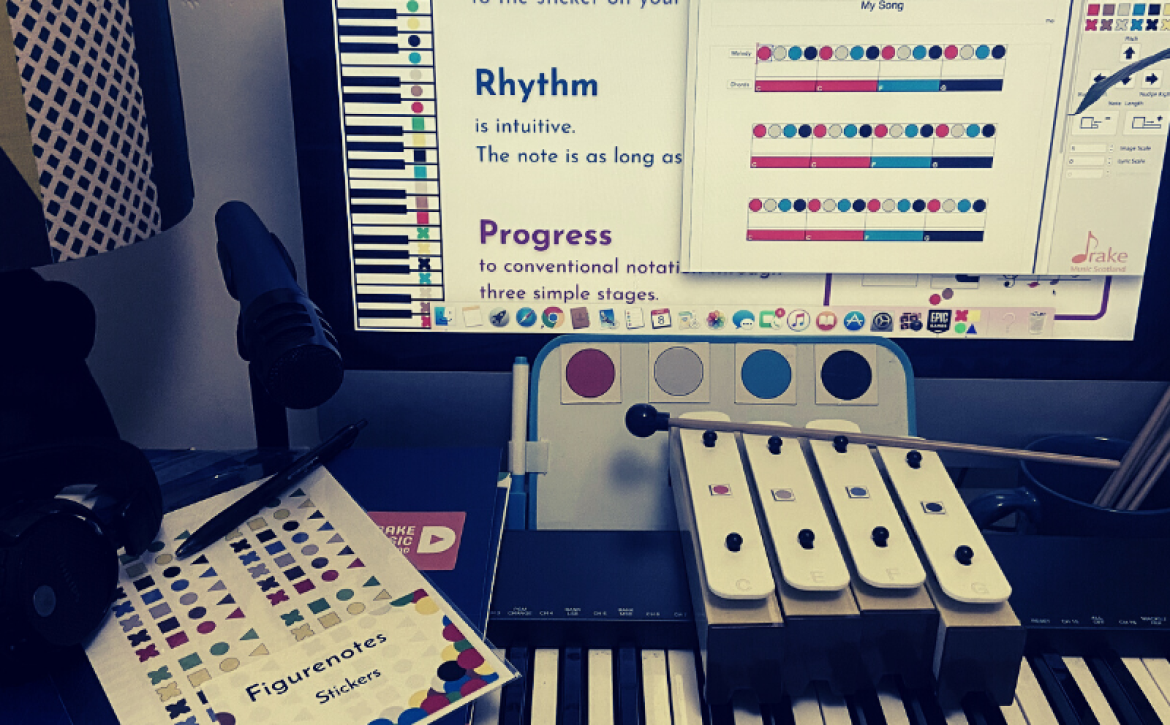
“Drake Music Scotland’s challenge is to create a new online platform that will transform their Figurenotes resource base into the world’s first and most comprehensive inclusive music hub. They would like to work with a Challenge Respondent to develop a platform that allows users to download resources, constructively rate and critique learning materials, and upload their own creations, creating a unique crowdsourced database of accessible music resources.
A successful solution to this challenge will provide Figurenotes customers with a space to share best practice in accessible music-making and support each other through their vast and varied personal experience.
Developing a new platform specifically for inclusive music-making resources will provide music educators around the world with a unique set of tools to make the benefits of learning and playing music accessible to all.
For the Challenge Respondent this is an opportunity to work on the development of an innovative, inclusive, and accessible new platform that could have wider applications across creative and wellbeing settings.
Applications for Challenge Respondents are open now and close at 5pm on Friday 16th April 2021. If you are interested in applying to answer this Challenge Project, join us on Thursday 18th March for our online Challenge Holder Q&A session. If you have any questions, please contact creativeinformatics@ed.ac.uk.“
Visit the Creative Informatics website for more details. Text quoted from https://creativeinformatics.org/challenge/drake-music-scotland/
Feature your organisation on this site and across our social media channels – join our Figurenotes Champions Showcase!
We know our global Figurenotes users often feel isolated, as many musicians and educators are self-employed or are the only music teacher in their school. There are so many fabulous organisations out there doing amazing work with Figurenotes. We’d love to feature more of you and create a global network, making it easy for people to connect and students to find teachers that use Figurenotes.
The new Figurenotes Champions page will feature as many of you as possible, from the private teacher with one pupil using Figurenotes, to the school that starts every pupil in this way, and the organisation doing incredible work to further music education in their area. We want to hear from you all!
If you’d like to feature, just complete this form to let us know about your work. By completing the form, you’ll also be entered into a prize draw to win a bundle of Figurenotes goodies.
After a year of lockdowns, school closures, and U-turns, many of you will be total pros at remote, hybrid, synchronous and asynchronous lessons. Here we compile some of the top tips we’ve gathered along the way.
Breakout Rooms = Practice Rooms
Delivering to a group and need to check up on their individual work? Whether in a classroom setting or a group rehearsal, assigning pupils their own breakout rooms as practice spaces means you can visit each pupil and see how they’re doing. No scheduling needed, just pop in when you feel like it. The threat of an imminent visit from a teacher can help keep them on task too, especially if they’ve got many distractions at home (how many pets have you seen over Zoom by now?)
Know Your Platform
Some schools will be very strict about the platform you can use and you’re stuck with it. If you’re a private teacher, try to get everyone on the same platform as you. We’ve found Zoom to be the best, as their sound options seem the most comprehensive. The Original Sound feature is fantastic and teaching instrumental lessons would be much harder without it. The new high fidelity music settings haven’t blown us away and sometimes caused more problems, but original sound should see you right.
Make sure you send accessible resources and instructions to students, parents/guardians, or support staff, so everyone is set up and ready to go.
Know the accessibility features of your platforms and technologies. There are new updates all the time, such as Zoom now having in-meeting closed captions. Google Meet’s captions are generally accurate, even when singing.
Online Recitals
My first online recital had 100% engagement. Normally I get about half of my pupils wanting to perform live, and virtually none of my adult pupils ever want to get involved in concerts. Let them choose between playing live or sending you a video beforehand for you to share from your screen. One of my pupils has always point-blank refused to play in concerts and she took part by sending in a video, even though she couldn’t attend the concert itself.
One brilliant bonus of performing online is that you can invite family and friends from far afield who would never have been able to see the live show. We used the chat feature in Zoom to post positive and supportive comments. It was lovely.
Connection is Everything
The strength of your internet connection has become the difference between a great lesson and a frustrating waste of time. If you find you or a pupil has terrible wi-fi, try an ethernet cable. Directly plugging into your router can do wonders for the strength of your connection.
Human connection is important too. Take time to discuss how the week has gone, not just in terms of their practice. Find ways to play together (your student needs to be muted) or play games. A laugh can go a long way during a pandemic.
Get Creative
Figurenotes lends itself to creativity, and this is no different online. Grab household items in Figurenotes colours and compose with them. Share screens and use the Figurenotes software to do some composing or arranging – a great way to sneak some stealth theory in. Try using the whiteboard feature, or Google Jamboard, to draw graphic scores in Figurenotes colours and play them. Wherever you can find colour, you can compose and improvise. Remember those homemade instruments mentioned in Fiona Sharp’s excellent blog? Endless fun and a way to entertain the kids during school closures and cancelled clubs.
Improve Your Skills
This is a great time to build on the skills you have and take a training course, as most are online and don’t require travel. Getting stuck into skill development is much more beneficial to both your mental health and job satisfaction than completing Netflix. There are plenty available. Our new online course, Figurenotes Online: Developing Your Practice, is ideal for emerging and established musicians, teachers, and music practitioners. You’ll learn how to make your work more accessible, inclusive, and fun! The groups will be kept nice and small in order to focus on your needs and help develop resources that fit your setting and style. You can find out more here: https://figurenotes.org/new-online-training/
Emily Carr-Martin from Hear My Music has continued to provide high quality music provision during lockdown. Here she gives us an insight into how they moved sessions online, as well as some of the unexpected benefits of working in this way.
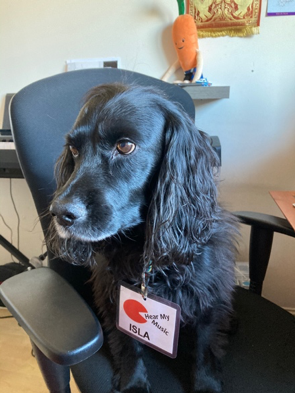
I’m Emily and I’m the creative director of Hear My Music, a charity enabling people with complex needs and/or autism to express themselves as individuals through inclusive participant-led music making. In short, pre-pandemic, this meant that I spent most of my time making/teaching/facilitating music with remarkable people in schools, community centres, and the green room of the Glad Café where we held our classes. In the current world I now do this from my laptop screen via Zoom or Teams with the company of my wonderful office companion, Isla the spaniel.
Isla the spaniel at Hear My Music HQ
I have used Figurenotes in my work for a number of years and love it! As a dyslexic musician, something in the logic of the visual system immediately clicked with me and the colours are so ingrained with pitch in my brain that I can get very twitchy when looking at a solid block of colour and hearing music that is not in the corresponding key.
I love that moment when you introduce a child to a Figurenotes score on a piano or chime bars and before the adult in the room has finished drawing breath to ask how the system works, the child has played their first full tune! No words required. This suits both me and the majority of people I work with!
Hear My Music runs a project called Glad Spectrum Music (GSM), an after school group and individual music classes for autistic children and young people. It is this project that this blog post will focus on with a particular emphasis on how we have moved the project to remote delivery and our continued use of Figurenotes within this.
I’m sure everyone remembers the run up to the lockdown in March vividly. I spent a surreal week cancelling every project we run and then swiftly working out how to run remote music sessions for the following week. GSM took one week off, the week before the schools closed, and the following week we were delivering our classes online, this was perhaps quicker than was sensible, however the craving for routine and normality was tangible and it was that that I reacted to.
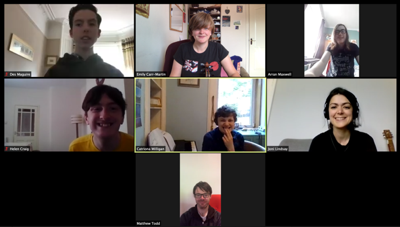
Zoom Group session – Lockdown Hairstyles…
The setup/preparation for these sessions wasn’t huge. Anyone who didn’t have a keyboard in their house was provided with one to borrow, with Figurenotes stickers. We sent out many ‘fingers’ templates (available on the Resource Base under ‘General‘ or in the free bundle), and huge amounts of music for home printing. When presented with my first bit of black and white music from the other side of the screen (no colour printer!) I learnt that sometimes posting music was the best option.
I discovered that there are popular coloured keyboard stickers with notes drawn on them and letter names that don’t correspond to Figurenotes colours, a lot of information on one sticker that maybe a sibling was using on a shared keyboard. Add a Figurenotes ‘fingers’ template to this and it made my head hurt to look at it! Fortunately, the same sticker company also makes a black and white version!
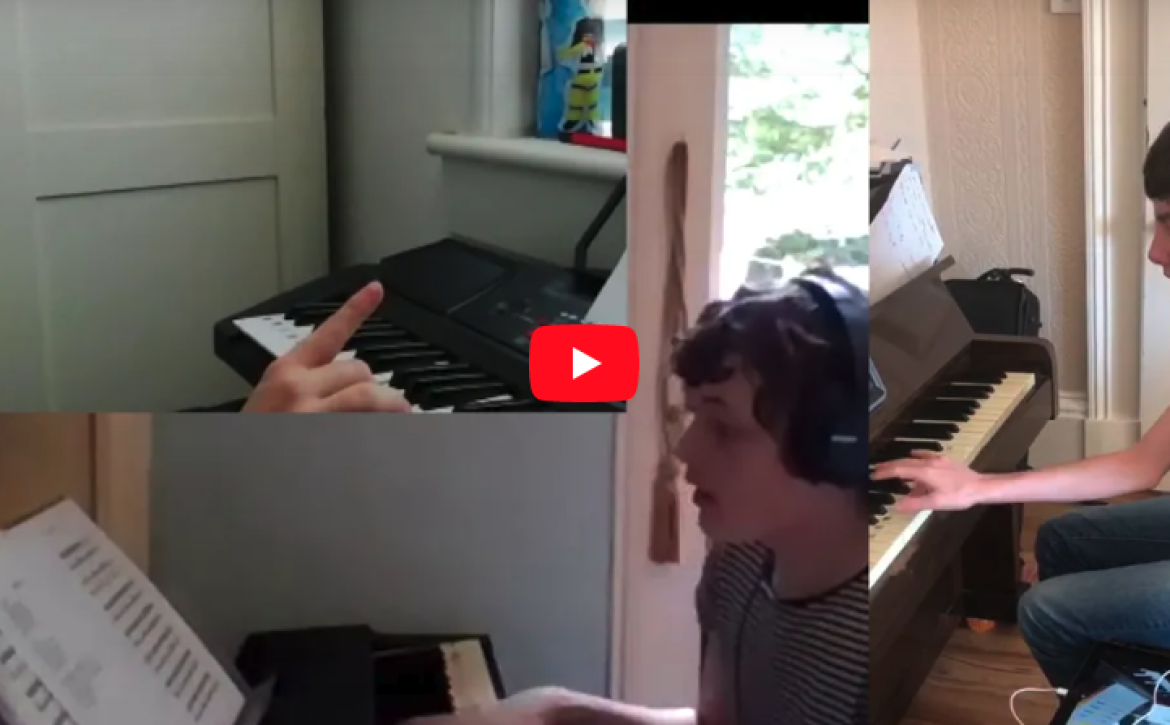
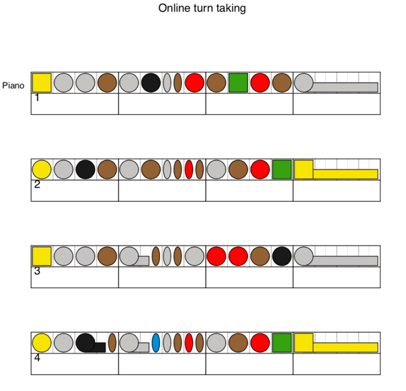
We quickly learnt about the limitations of group music making on the internet. We began to learn what works and what you have to accept as a no-go. Playing as a group, that feeling of absolute ‘togetherness’, the sound and vibrations of instruments working together – that cannot be replicated. Listening to each other, however, is something that can be honed and worked on in ways that would be more difficult in person. I wrote a very simple piece of music called Online Turn-Taking and it was with this piece of music that we learnt the skills of turn-taking online, first with heavy operation of the mute button from practitioners and over time with participants learning when to listen, when to play, how the music could still be a group effort.
Our crutch for early remote group sessions
There was a really lovely discovery within our remote sessions that some people with very high anxiety found remote sessions much less anxiety inducing. This could be due to a number of reasons: no travel, total control over your own environment, no fear of external sounds/smells/visual distractions, the ability to switch us off at will…It meant that for some participants we have made more musical progress than we would have in person and while we will never exclusively deliver sessions online if we don’t need to, a hybrid approach for some individuals is definitely something to consider.
We also put on a Zoom concert in the summer; this was livestreamed on Facebook and involved two separate breakout rooms as our ‘green rooms’ and a main stage using the broadcast message function to call people to the ‘stage’. The livestream was streamed in the breakout rooms. This set-up was probably one of the most anxiety inducing concerts we’d ever put on for practitioners, however some young people who wouldn’t dream of walking into a room with an audience nonchalantly performed exceptionally well!
We use Figurenotes creatively in sessions and this has been easy to transfer to doing online. We miss the huge coloured pieces of lycra that we would set up in a room as different lands; jumping quickly from the red hot lava – C, swimming in the blue sea – F, relaxing in the green grass – B etc. This has been replaced by the screenshare function with Figurenotes software and has resulted in me now having an encyclopaedic knowledge of different dinosaur species and some excellent original pieces of music.
https://youtu.be/NSW8r6nbrsc
This is the first group piece we wrote and recorded during lockdown, it was written with coloured chord flashcards to choose the chord pattern which formed the basis for the rest of the song. Our recording and editing skills have become much more refined over time but I remain very proud of this first one.
The transition to remote music sessions has been both very challenging and remarkably smooth. The fundamentals of what we do have not changed and I think that is one of the things that has helped practitioners and participants alike throughout this difficult time. The continuity of seeing each other and working together every week has certainly provided some much needed routine for me and I am so proud of the resilience of each and every one of our participants. As we continue on navigating our way through this difficult time we will have the safety of mutual musical goals and the community that we have developed through this.
Fiona Sharp of F Sharp Music Practicehas had great success with her online music sessions during 2020 and into the new year. As many musicians worried about their future work opportunities, Fiona has continued to provide high quality sessions for many organisations including PAMIS and Drake Music Scotland. She has also delivered training sessions on how to get the most from online delivery, including advising on a new online project for schools with the RSNO. Here she gives us a brief insight into her practice.
Fiona Sharp of F Sharp Music Practice (above)
I was concerned like many music teachers, practitioners and specialists at the start of lockdown how music tuition could be achieved solely on an online basis, especially when working with pupils who have Additional Support Needs. Over the past few months I have been astounded at the level of development made with many of my clients and pupils and in particular their progress with Figurenotes.
I have tried various ways of using Figurenotes online and I have detailed below the activities and methods I have found to work particularly well.
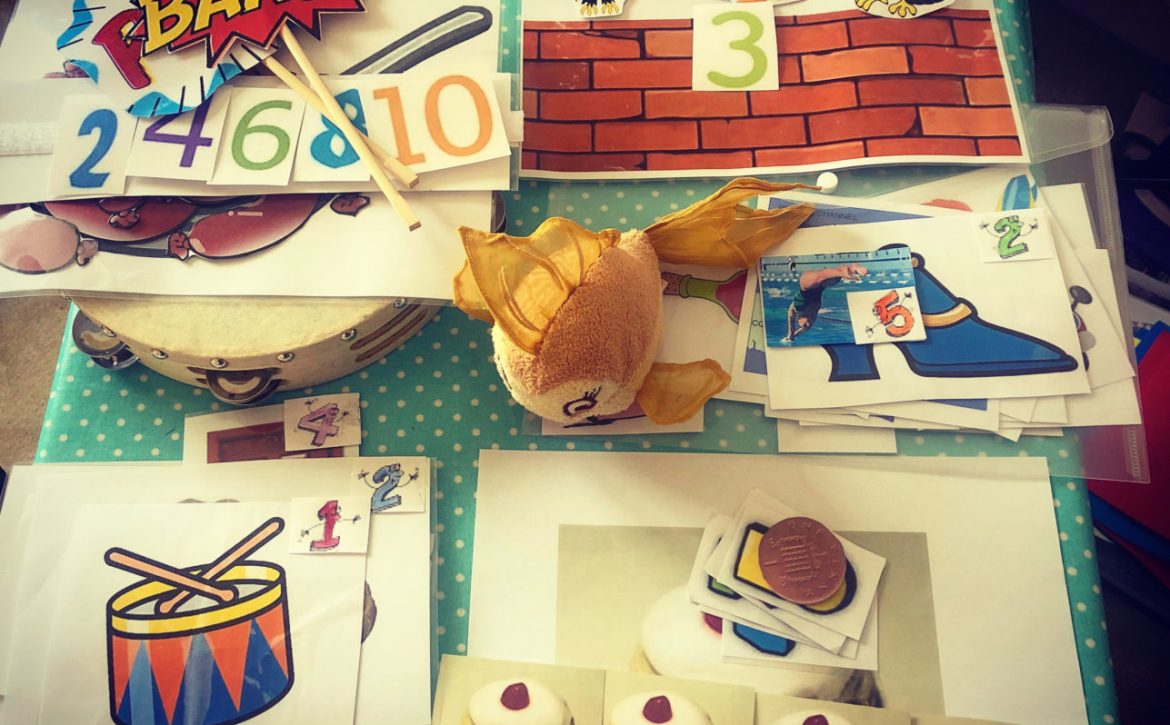
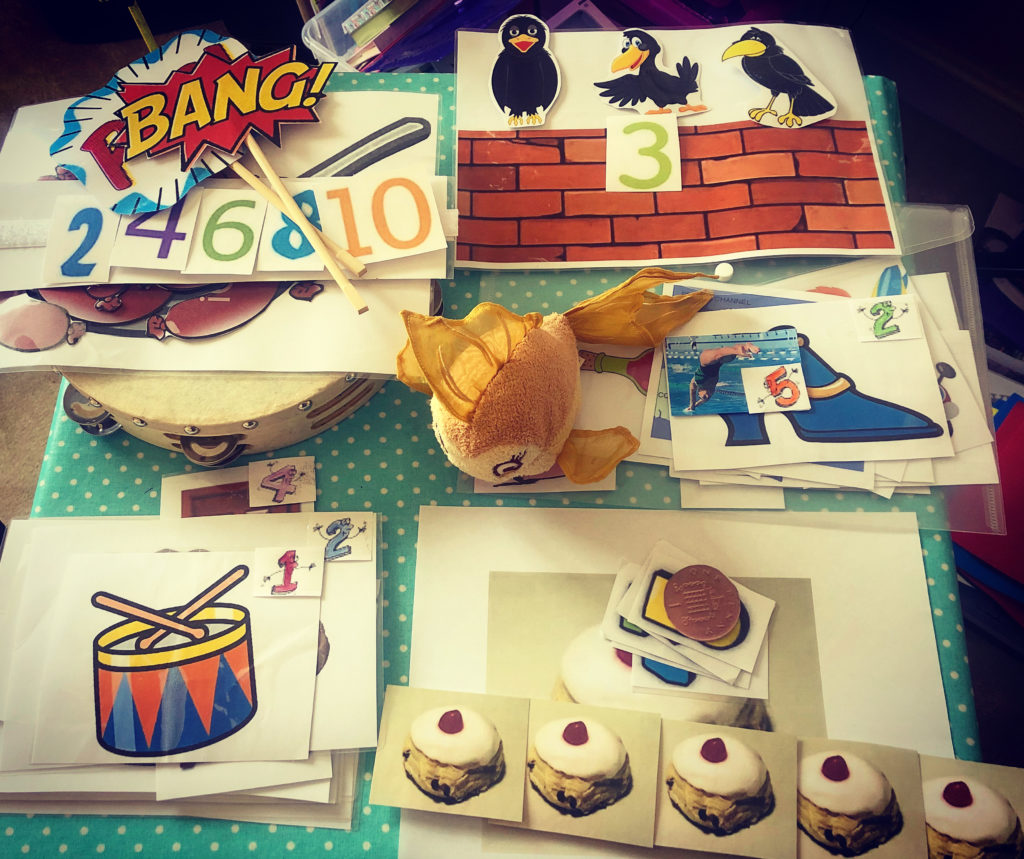
Something I have found to work well when using Figurenotes online for teaching is emailing sheets of Figurenotes notes for the pupils to print and cut out so they are able to make up their own songs, unless the pupils already have their own Figurenotes magnets. I usually start my online sessions asking the pupil to choose 10-15 cut out notes, either showing me the note or telling me what colour and shape it is. They can either lay the notes out in front of them, or as I tend to do, I put the Figurenotes magnets on a board, which I then hold up to the screen for them to see.
To vary the exercises I sometimes change the shapes they have chosen and get them to play the squares with their left hand, and the circles and triangles with their right hand. I also do chord work using the magnets/cut outs as well as exercises focusing on hands separately and hands together.
Themes can be fun to make the sessions a bit more interesting, for example themes about the sea, weather and emotions are popular ones, then finding songs or making up musical activities to go along with that theme.
The sea is always a good theme. You can get pupils to put lentils or rice in a plastic tub with a lid and slowly rock it from side to side so it sounds like the waves. Try the ocean drum tutorial in the video below. You can make up a short sea shanty using the Figurenotes magnets or cuts outs, and there are plenty of sea-themed songs which you can play using Figurenotes:
My Bonnie Lies Over the Ocean
Bobby Shaftoe
Row Your Boat
Skye Boat Song
Overall, my experience so far working online has been positive. I have noticed I am having to describe and communicate a lot more than I would normally in a music session, but I have been very surprised by the level of development my pupils have had since teaching online. I have come to the conclusion that it could be due to fewer distractions. For pupils on the Autistic Spectrum this has been particularly evident, and I have been quite amazed at the level of concentration and engagement they have during their session. I feel many of my pupils have achieved a lot more in a half hour session than they would normally with me sitting next to them. I have also noticed they have to work things out for themselves more than normal as I am not there to physically support them or show them what to do. I have been very impressed and pleasantly surprised by the level of development made with each pupil through online music sessions.
We’ve got a special Christmas treat for members of our Resource Base – a new Musescore plugin!
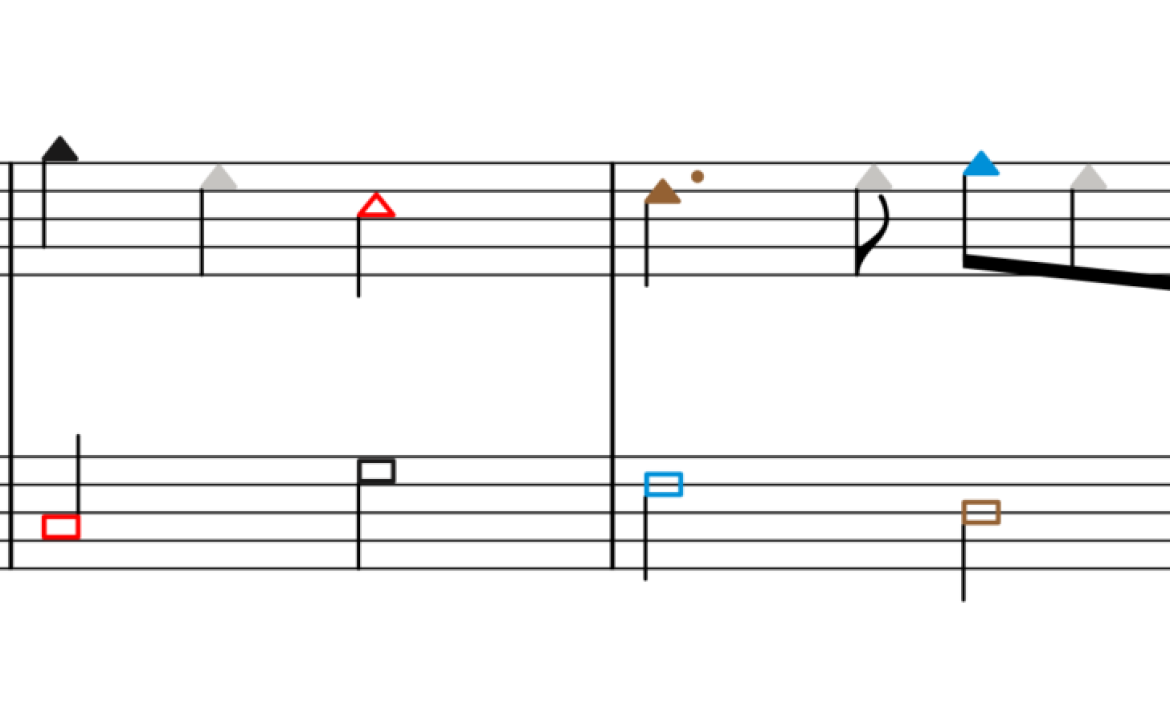
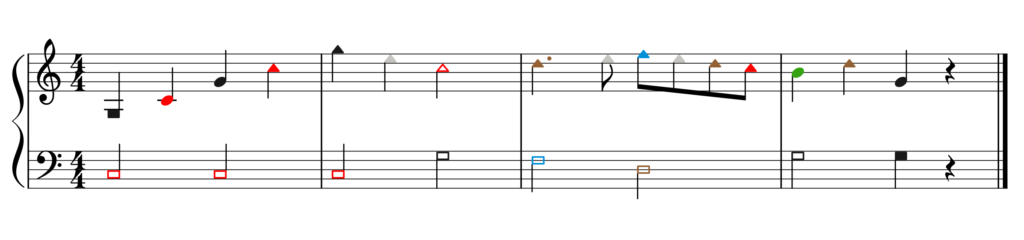
Subscribers to our Resource Base have long been able to download a plugin for Musescore that allows you to change the noteheads to Figurenotes colours with one click, giving you stage 3 Figurenotes notation at the touch of a button. Now we have created a transitional tool allowing you to do even more.
If you want to ease your pupils into stage 3 notation more slowly, you can now use shaped noteheads with Figurenotes colours with our latest plugin.
Using the new plugin to create shapes and colours
Using the plugin just for coloured noteheads
Using shaped noteheads in this way allows pupils to adjust to the new stave appearance more gradually. Shapes can help reassure players that they are in the right octave, while still progressing their rhythmic reading.
Write your piece in Musescore or import it from the Figurenotes software. After highlighting the piece, click on the plugin in your Musescore menu to change the piece to either stage 3 or the new transition stage. Easy!
Once you’re logged in, you’ll find the new plugin under ‘Software Resources’, along with a Sibelius plugin and instructions on installing the new plugin.
Not a Resource Base member? Sign up today for only £23.99 a year – that’s less than £2 per month!
Membership will give you access to a huge bank of tunes, lesson plans and resources you can adapt to suit the needs of your pupils using the Figurenotes software for mac or PC.
This new interactive course is suitable for all music educators and practitioners; enabling you to begin or further your work in an accessible, inclusive way.
You will take part in 3 interactive sessions with expert course leaders and small groups of your peers. Each session will guide you through new ways to approach the fundamentals of music-making; creating and tailoring resources that fit your working practices. To help get the most from the course, you’ll be given activities to do between sessions to help you apply this training directly to your own work, with valuable feedback from course leaders and participants.
If you’re looking for a new tool to add to your toolbox, or want to take a deeper look at the way you work, join us for this fun and engaging course. You’ll receive a copy of the latest Figurenotes software as part of your attendance, allowing you to fully engage in the content and activities within the course.
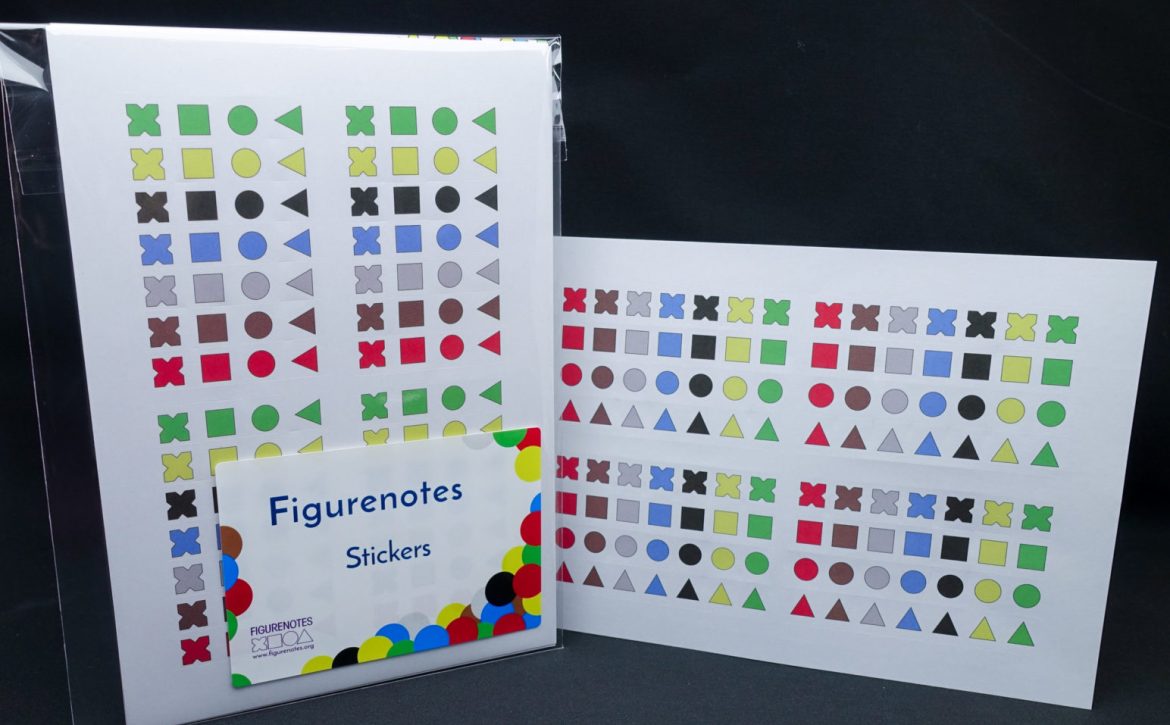
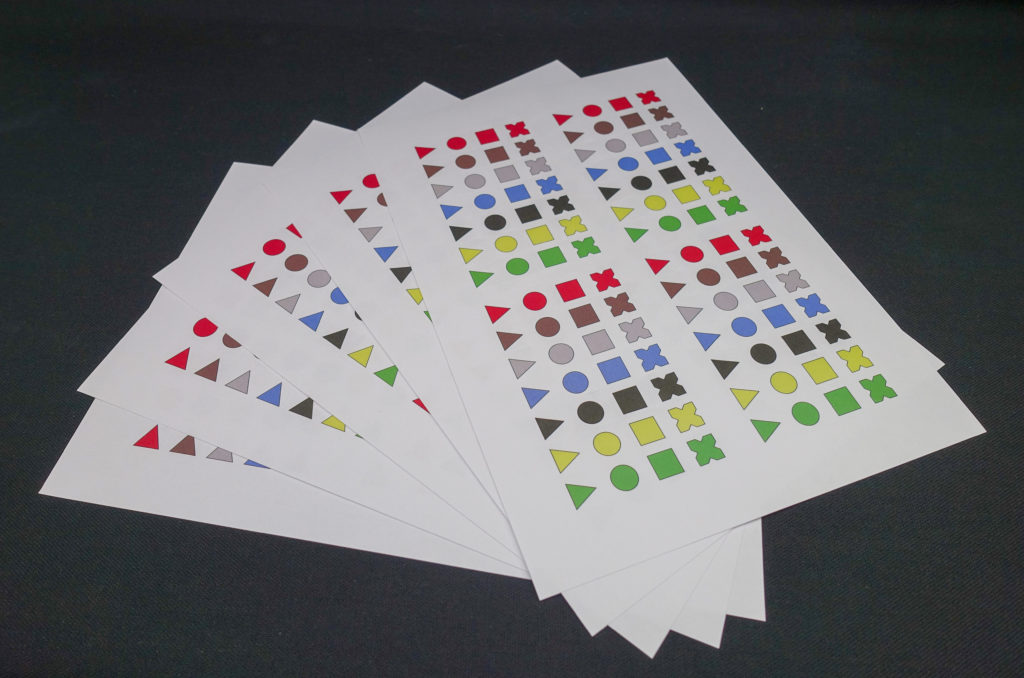
If you’ve ordered Figurenotes Stickers recently, you might have noticed a slight change in their design. The same shapes and colours as before, but without the shadows.
We think this makes the shapes clearer and easier to see on the instrument – and you seem to agree! Thank you to everyone that has helped us with testing and feedback.
Each sheet of Figurenotes Stickers gives you enough for 4 keyboards; you can use them on other instruments too. For the best deal, get our Figurenotes Stickers Value Pack.
Not sure how the stickers work on your instrument? Check out our handy instrument guides and sticker charts, available on our Resource Base under the Instruments tab.
As a strange summer stretches before us, musician Francis
Moore-Colyer looks ahead to the joy of what is to come.
“After a long time at home, we
can start to get excited about the future.
When you feel ill, the very
best bit is how good you feel when you’re better again.
When you miss something, the
very best bit is how you feel when you get it back.
I miss making music with other
people, face to face, in real time. And now I can’t wait to get back to it.
There is no better feeling.
It’s going to be amazing to see
other people beside me smiling along to the music.
It’s going to be wonderful to
feel the energy of other people helping to drive the music onwards.
It’s going to be incredible to
react to what other people do when they make music and to see where the music
will go.
And it’s going to feel SO GOOD
to look people in the eye at the end of a bit of music; to see that moment when
we all realise that we’ve just created some magic!
I want to laugh and smile in
that moment again – to feel the excitement that comes when we can go back to
the start of the music and enjoy it once again!
I want that conversation where
we say ‘let’s just go for it, let’s talk with music’ or ‘let’s use our imaginations
and just see what happens’
I’m excited to get back to
making music with others, in real time, in the future. I hope you are too. For
now though, let’s be happy to wait a little while longer, if we have to.
Because, after all, it’s this waiting, this missing, this wanting, that will
make the moment feel even sweeter.”
What a wonderful ode to music-making and togetherness. This time
has been hard on everyone. What have you done to share a musical experience
during lockdown?
Musician Francis Moore-Colyer talks about some of the ways
technology has helped us through lockdown.
“I find that making music can be light relief from ‘work’ – household chores, schoolwork, shopping for groceries, etc.
Taking part in music can be a release from these mundane or stressful things, because it sets off lots of sparks in our brain — a very different combination of sparks to normal. Musical activity, or even just listening to a song, can refresh our mind and centre us for whatever’s next — it can be like a ‘detox’ for the mind.
Technology has stepped up to make lots of musical activity possible during lockdown; it has been a really useful tool!
Streaming services and concerts
have given us access to music from home. Listening
to music can help us to work through our emotions, unleash our imagination, and
even escape to a dream world for a bit. You may find you need this even more
during this time.
Remember, your friends and family are sharing this forced ‘home time’ experience, so send them videos of you playing music and get them to send you theirs. You could always call them to discuss your favourite music or host a listening party. Or, if you are desperate to play together, get together on Zoom and have one of you muted.
Not only have we been able to see each other on video calls and laugh together (often about how our long hair has become), but we’ve also been able to share ideas. I’ve particularly enjoyed sharing ideas with other teachers about how to help young people with music activities.
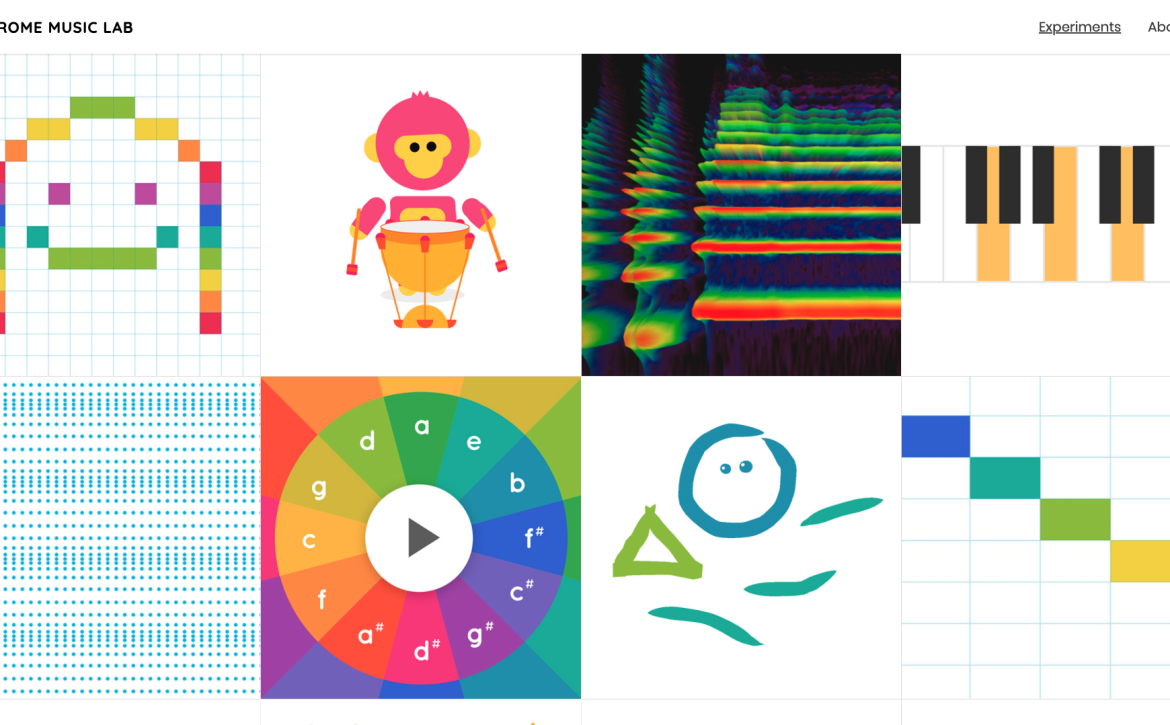
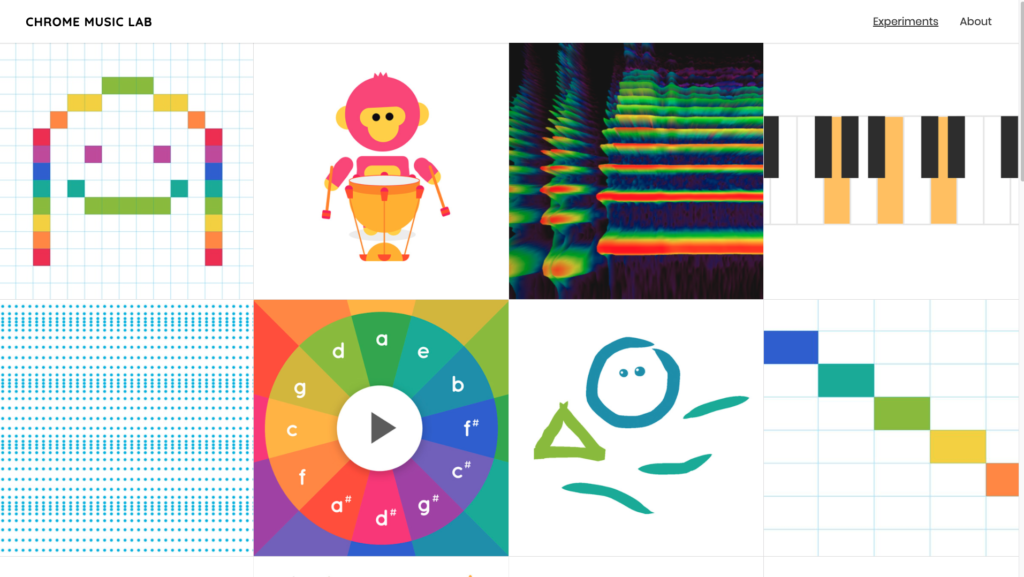
The Chrome Music Lab helps us to learn how we can build music from the inside, out. It shows us the ingredients of music and helps us build it up from there – a great way to approach learning anything! Best of all, you have the chance to put some music together yourself. I love it when games give you the space and time to explore independently. Music is all about creating something of your own and this site shows us a way to do that.
We’ve had to get creative over Zoom and other apps, as they make us play separately (the internet doesn’t let us play together as we normally might). This means we are learning great lessons in turn-taking. We play ‘your turn, my turn’, or ‘you say, I say’. This exercise highlights the communication element in music. Music is, after all, a language.
Phew! So much to do. So much to create. I am very thankful that we live
in a technological age that makes all this possible.
Whatever you do, enjoy.”
You can find lots of videos helping you to use apps and music technology over on the Drake Music Scotland website: https://drakemusicscotland.org/resources/ Take a look at the ‘Tutorial’ and ‘Training’ pages in particular.