Did you know you can use your computer keyboard to input notes into your Figurenotes notation programme?
We’ve got a lot of different ways to input notes into your Figurenotes score, so you are spoilt for choice. This one may not be as obvious as others, so we thought it needed a blog post. We hope this helps you find your ideal way to create music.
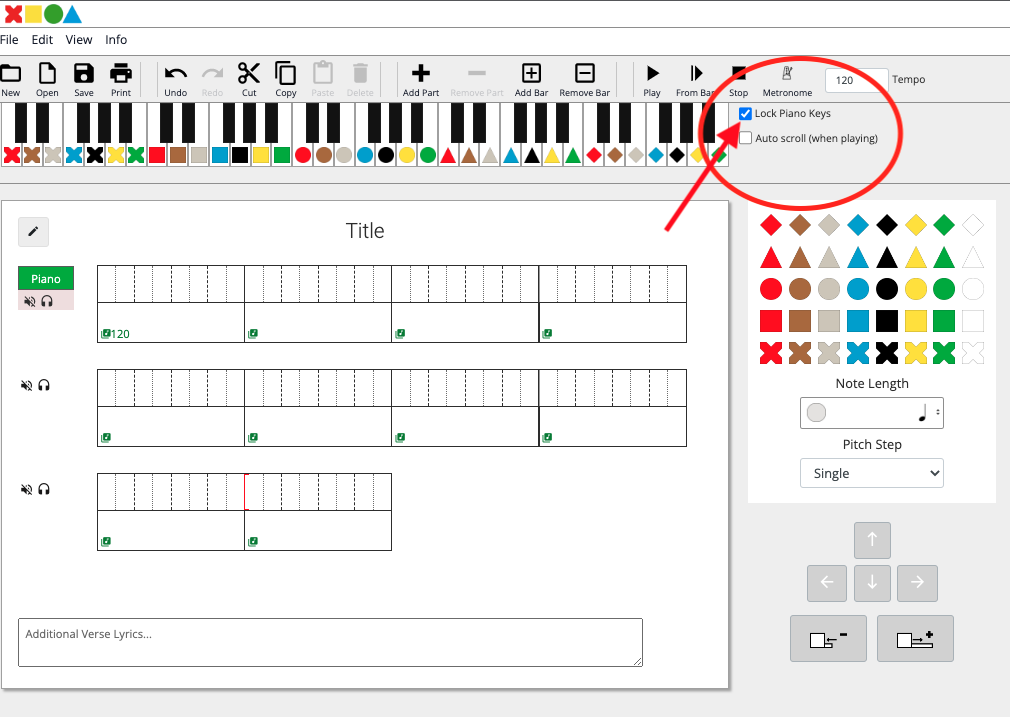
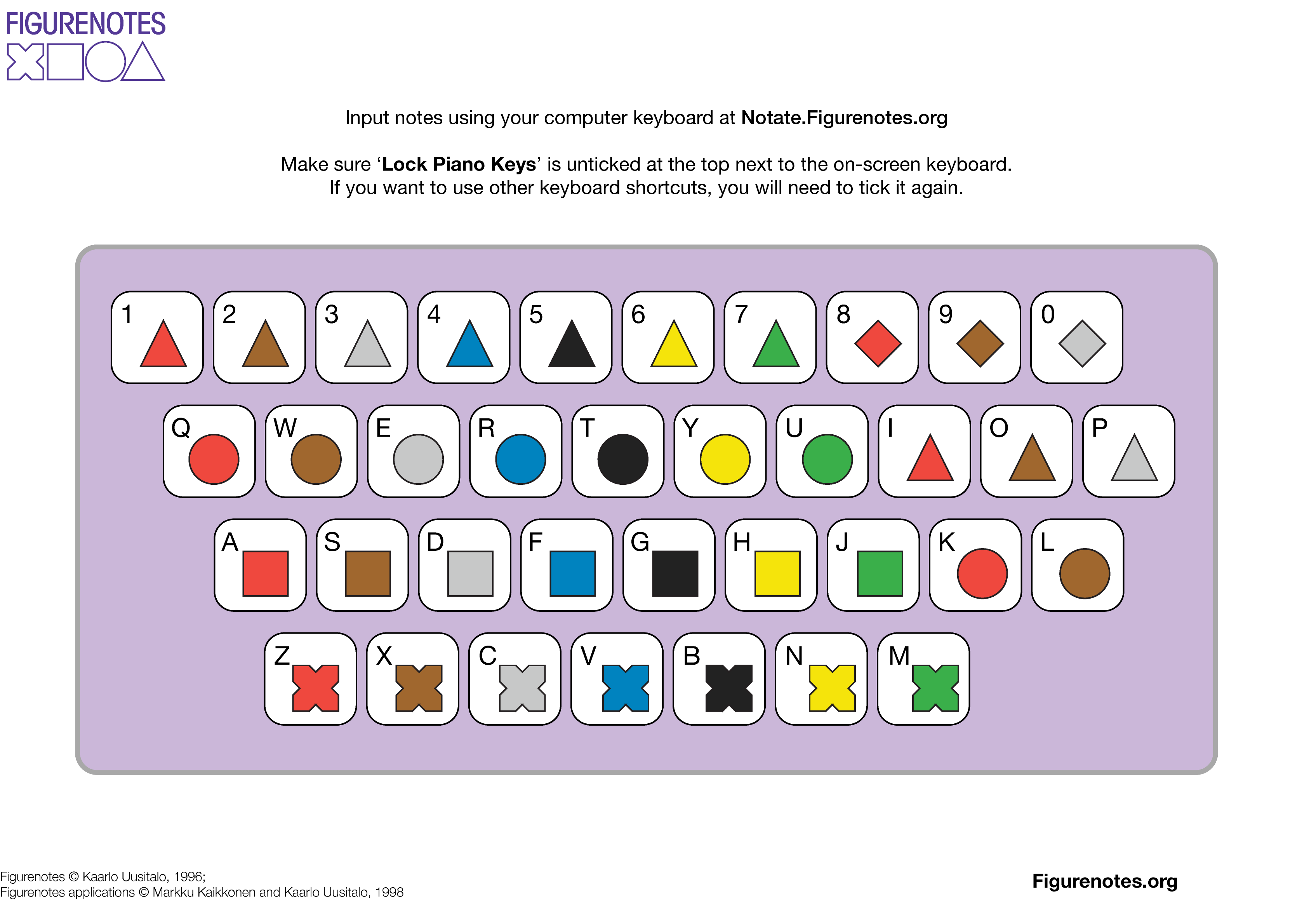
Once you’ve logged in to Notate.Figurenotes.org and have your score open, untick the ‘Lock Piano Keys’ box at the top of the page. This will allow you to use your computer keyboard to enter notes.
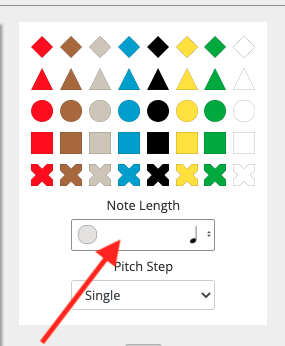
Each note entered will be one crotchet beat, unless you change the note duration settings on the right hand side of the page.
This should make it easier and quicker to enter notes into your score. If you want to use your keyboard shortcuts again, just make sure you tick the ‘lock keys’ box again.
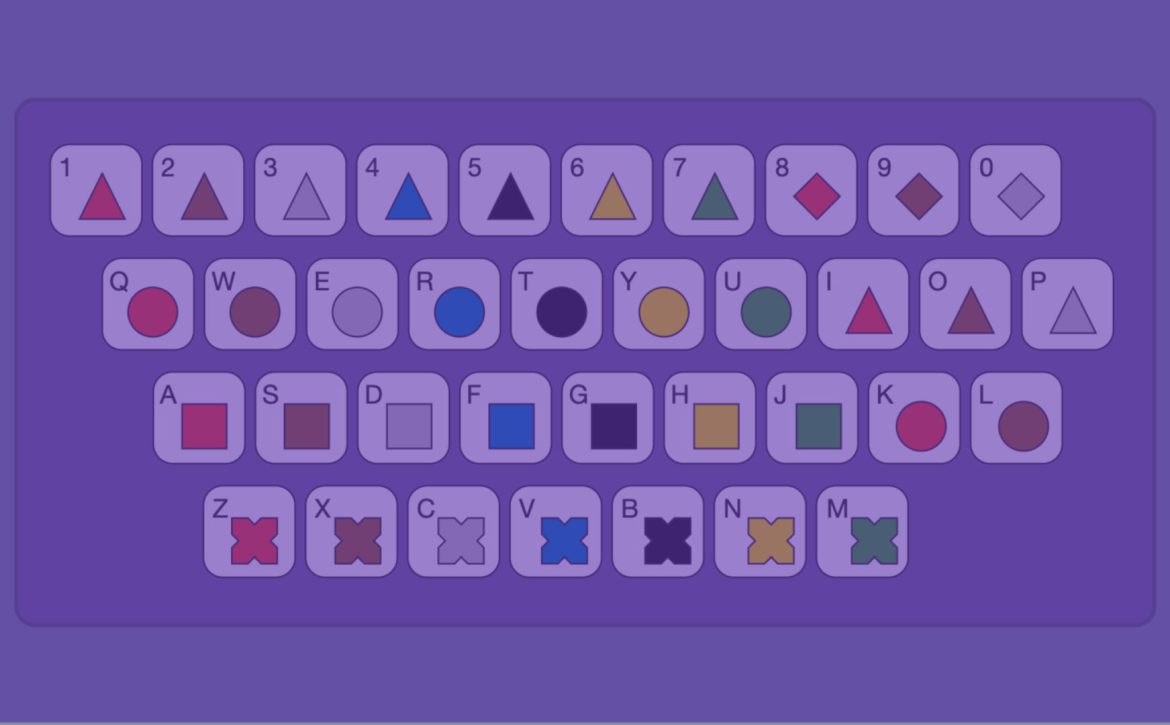
We’ve made this handy diagram to help you understand your computer keyboard as a MIDI keyboard. You can find this in our Notate FAQs (scroll down to ‘Inputting Notes’) or download it in png or PDF form below.
We are looking for companies with experience in developing music software to help us take Figurenotes to the next level.
An exciting opportunity has arisen to help us modernise our Figurenotes software as part of our programme: Figurenotes – Everyone Can Play!
Drake Music Scotland welcomes bids from qualified organisations and individuals to transform our existing downloadable Figurenotes application into a web-based application that fully delivers the existing functions and provides required and suggested improvements.
Experience of developing user-friendly, online applications
Knowledge and experience of music software
Understanding of the context faced by charity and social agencies
C++ Experience (original code is written in C++)
Experience of programming languages/frameworks compatible with browser-based software
Minimum of 2 years’ experience in software development
Submission Requirements
A demonstration of your understanding of the brief.
Explanation of programming language/framework choices
A detailed methodology indicating the number of days proposed for each task by each member of the team.
An outline project plan, including review points
Details of approach to quality assurance (including adherence to timescales and the quality of key outputs) and any relevant procedures/accreditation and how these will be applied to this project.
Details of personnel who will undertake the work, giving particulars of experience and skills, including any sub-contractors you intend to use.
At least two examples of previous work that you feel display the skills you would bring to this project. These should not include examples of work previously done for Drake Music Scotland.
How you will deal with data protection, accessibility, information governance, and security systems
Risk assessment and mitigation that includes those risks associated with most application development projects, as well as those particularly relevant to this piece of work
An accurate breakdown of all costs including daily rates and expenses and any VAT applicable, including VAT relating to subcontractors
Ongoing costs to run application, including any technical support costs.
If you think this could be the role for you, please get in touch with the team at figurenotes@drakemusicscotland.org. Help us make the best software we can by sharing this post with your networks.
Please contact us for various accessible formats of the brief, stating your preferred format – larger font or word document. The PDF below is an accessible PDF containing alt text. If you have any other access needs or questions, please email us at figurenotes@drakemusicscotland.org.
Ten years ago today, Drake Music Scotland unveiled the prototype Figurenotes software at their ‘I Can Play Music’ conference at Glasgow City Halls. Drake Music Scotland look back at some of the highlights of this momentous day…
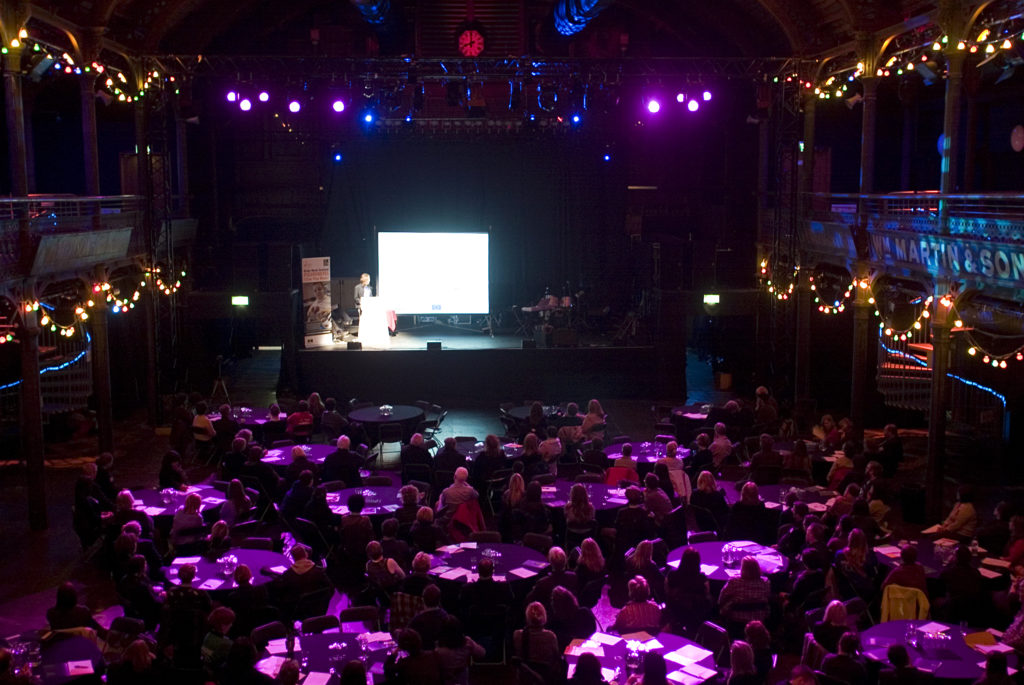
The I Can Play Music Conference on 26 November 2010 at Glasgow City Halls was the biggest and most ambitious event Drake Music Scotland had planned up to then – a full day’s programme of keynote plenaries and specialist break out sessions catering for 200 delegates, presenters and performers from across the UK and beyond.
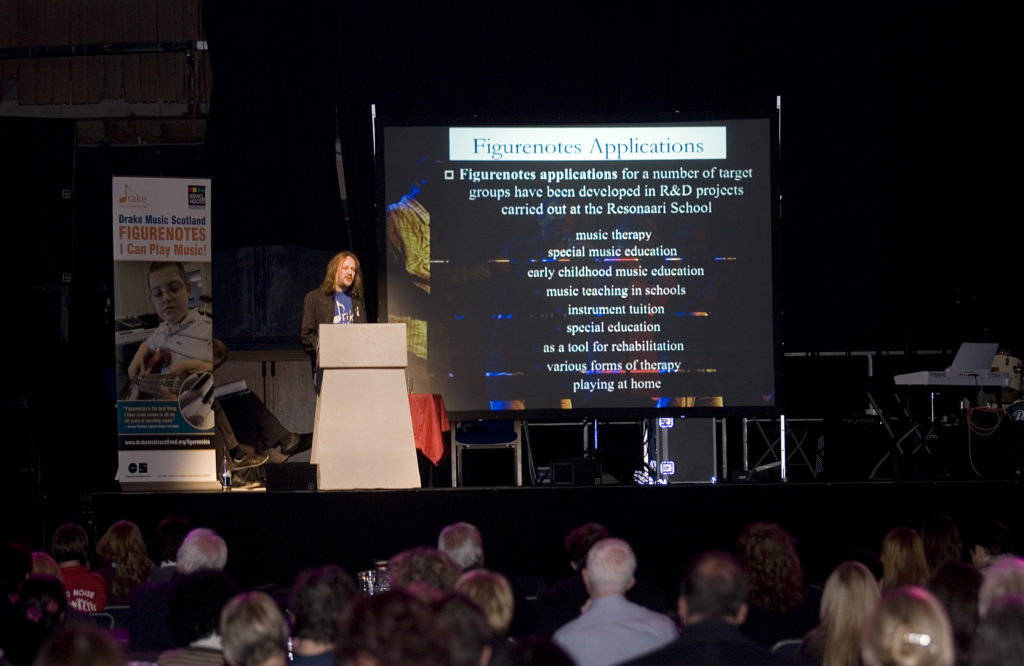
Our key presenters were the inventors of Figurenotes themselves, Markku Kaikkonen and Kaarlo Uusitalo, who had travelled direct from Resonaari music school in Helsinki to be our guests of honour. They set the tone for the day early with their opening presentation Making music should be a basic human right – Figurenotes is helping to place the joy and delight of making music in reach of all.
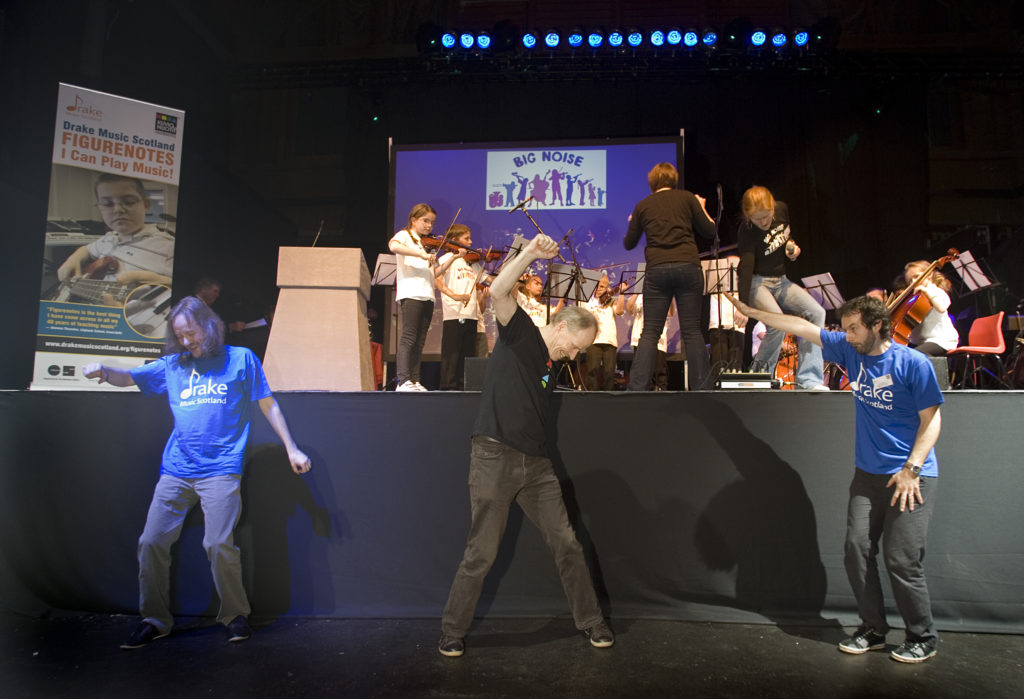
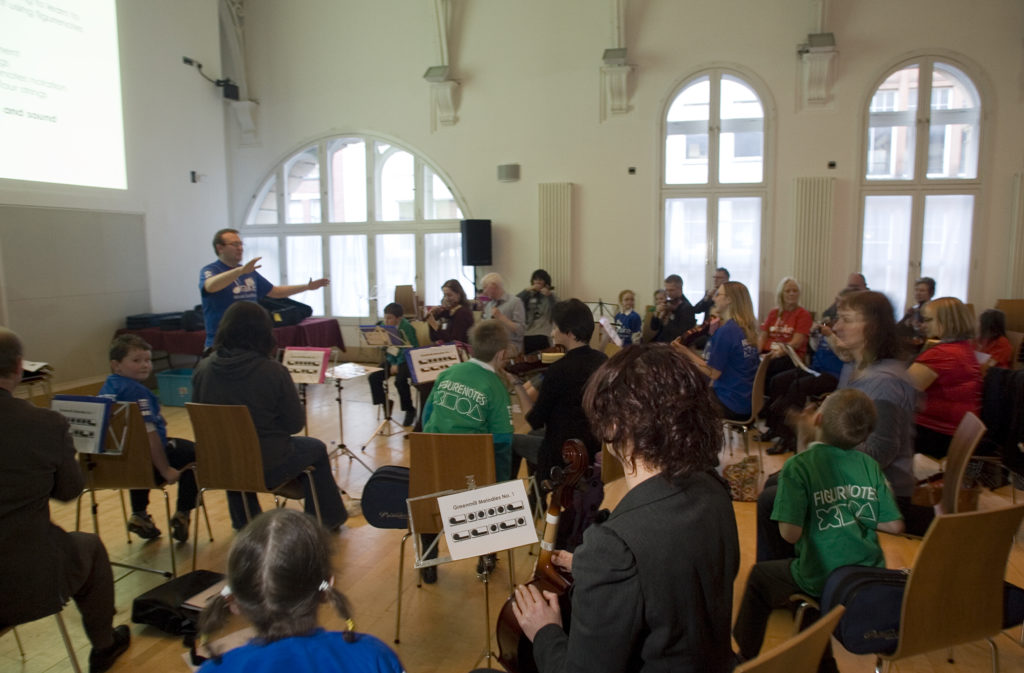
Markku and Kaarlo, ably assisted by Drake Music Scotland’s Artistic Director Pete Sparkes, followed this with an audience participation session which got everyone on their feet and highlighted how physical, and above all fun, making music can be!
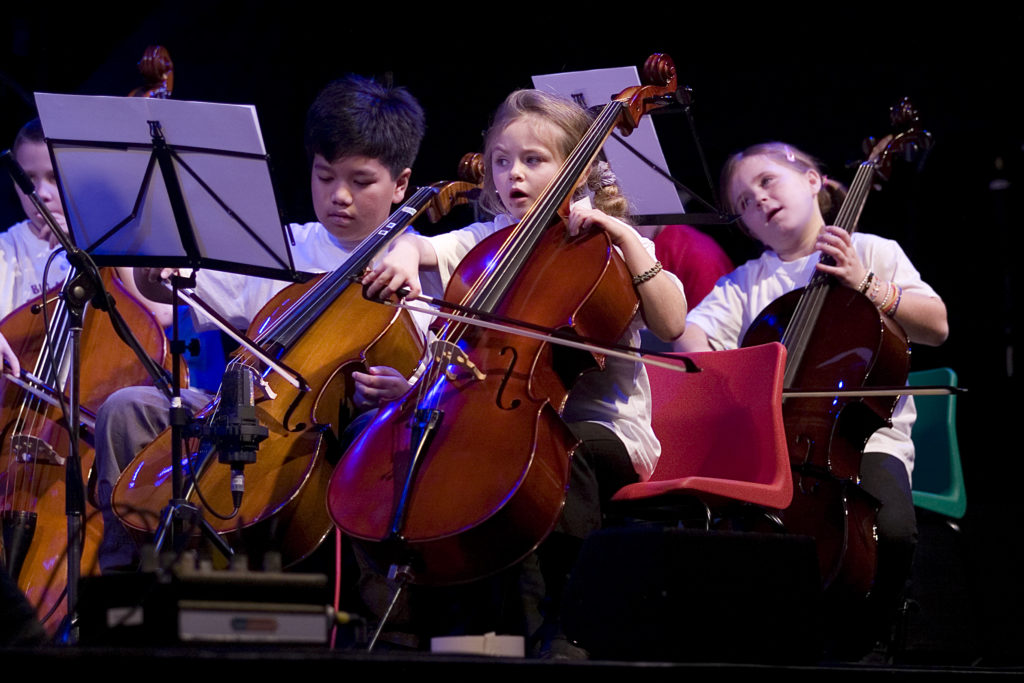
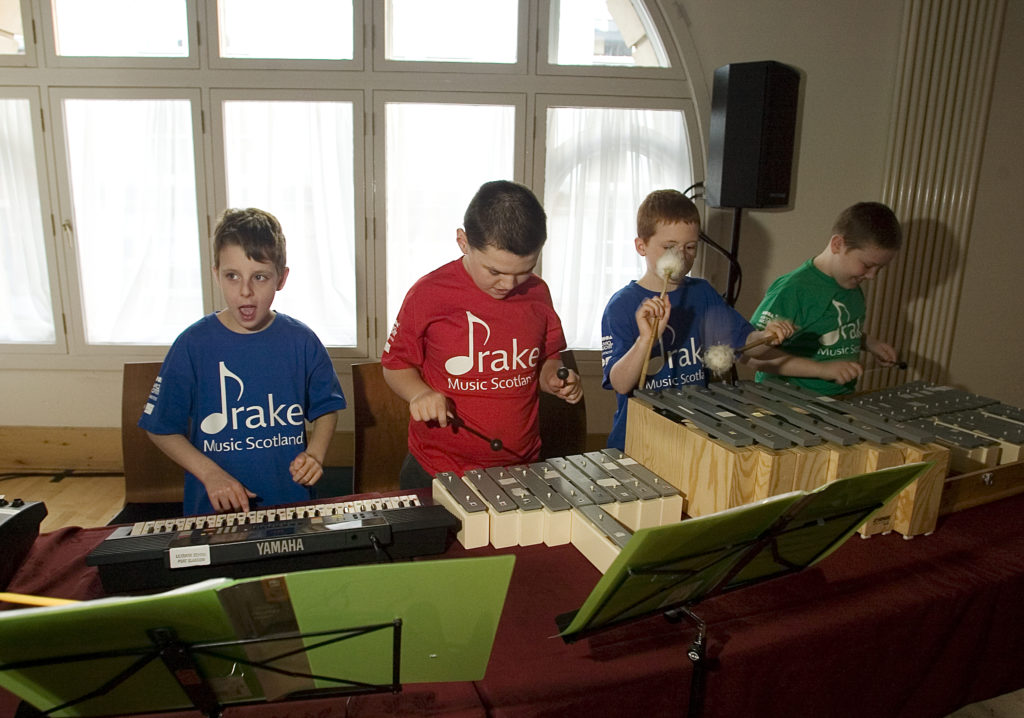
The accompanying music was provided by the children’s orchestra from Sistema Scotland’s Big Noise Project in Raploch, Stirling who used Figurenotes to learn to play their string instruments. Sistema Scotland was one of our first project partners and their performance showcased how Figurenotes can support children with additional support needs to join their ensembles and ensure that no child is excluded.
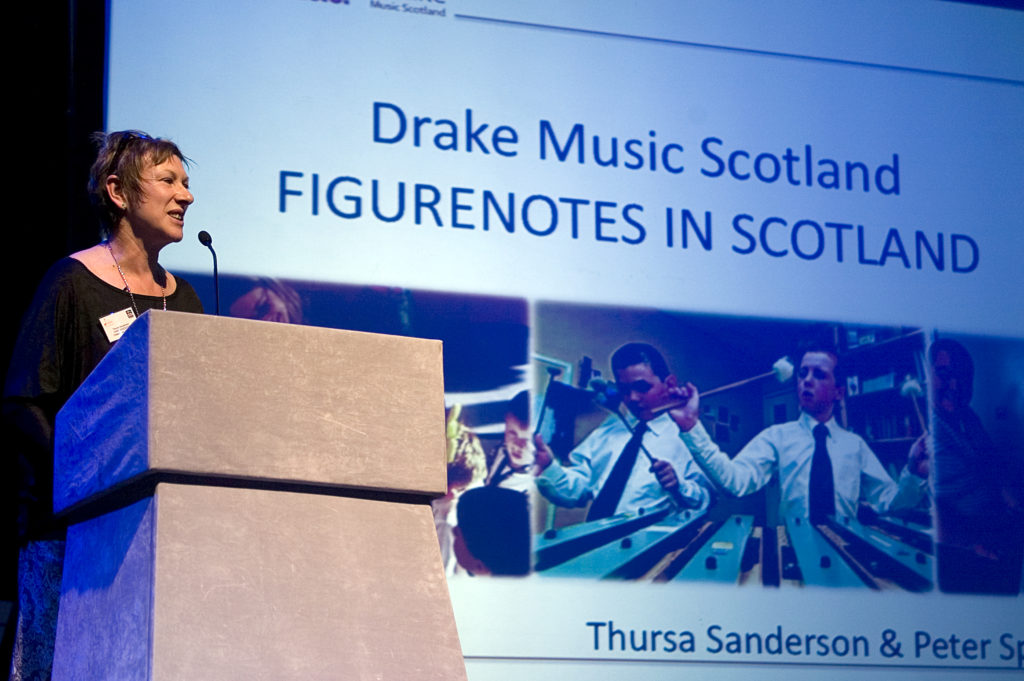
Our afternoon session led by Chief Executive Thursa Sanderson and Artistic Director Pete Sparkes unveiled the first software version of Figurenotes, which we created with support from Scottish Arts Council’s (now Creative Scotland) Inspire Fund. The beauty of a software version is that it allows teachers and learners easy access to preparing sheet music and individual instrument parts. The digital version also means it can be shared instantly and with anyone, anywhere in the world. This has long been available for standard notation, but was revolutionary for an accessible notation.
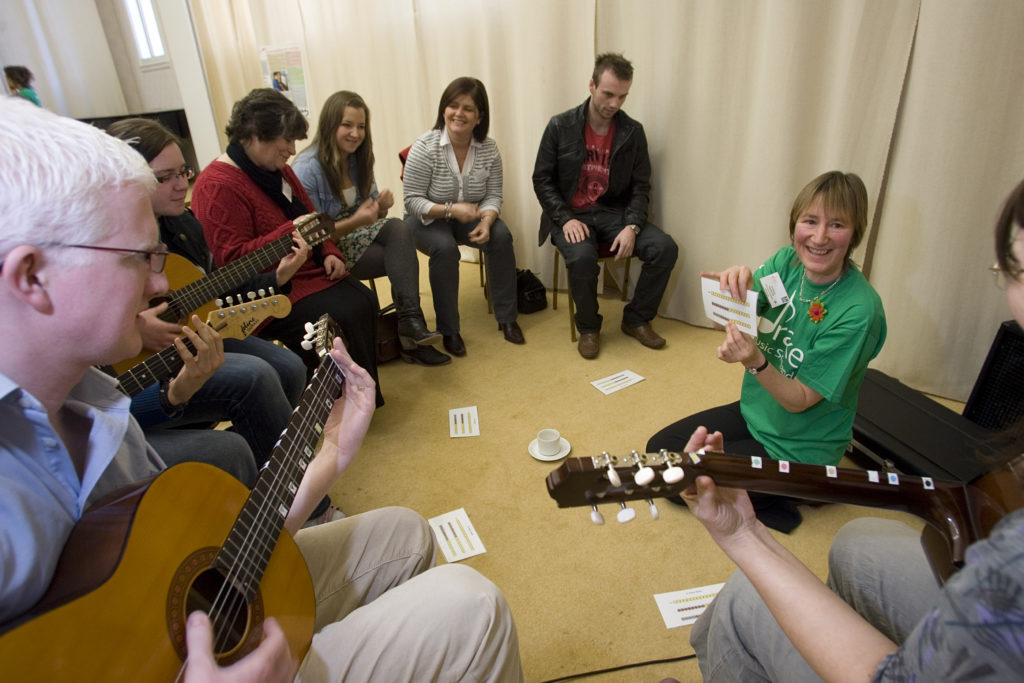
The various breakout sessions during the day gave us an opportunity to showcase the work of our wonderful Figurenotes ambassadors – teachers and academics who have been inspired by the system to explore its teaching potential and benefits to all types of learners. These included:
Inverclyde music teacher Annona Thornton who outlined the benefits of Figurenotes for special schools with her experience using it with pupils with additional support needs in Lillybank School.
Jill Henderson who highlighted how and why Figurenotes is particularly successful with learners with autism
“Excellent conference which has given me lots of inspirational ideas and enthusiasm to try out in my classroom.”
Alison Strachan, Arbroath Academy
Ten years on, our work with Figurenotes has gone from strength to strength, reaching over 20 countries across the globe and supporting over 10,000 learners to play music for the first time.
And, although the Covid-19 pandemic scuppered our plans to hold a tenth anniversary conference this year, we are not resting on our laurels. Our latest Figurenotes software development is currently taking place after a delay earlier in the year due to the pandemic, and we are busy with plans for further development to all our Figurenotes resources, so that it remains a key inclusive tool for at least the next ten years and beyond.