No products in the cart.
Login
/
Join
What is Figurenotes?
Rhythm
Progression
Sharps and Flats
Chords
Drake Music Scotland
Resources
Try It Out
Library
Instrument Guides
Tutorials
BBC Ten Pieces
Research and Publications
News
Training
Developing Your Practice
Bespoke Training
Notate
Go To Notate
Notate FAQ
Shop
Delivery and Returns
Contact Us
Go to Notate
Figurenotes
What is Figurenotes?
Rhythm
Progression
Sharps and Flats
Chords
Drake Music Scotland
Resources
Try It Out
Library
Instrument Guides
Tutorials
BBC Ten Pieces
Research and Publications
News
Training
Developing Your Practice
Bespoke Training
Notate
Go To Notate
Notate FAQ
Shop
Delivery and Returns
Contact Us
Go to Notate
What is Figurenotes?
Rhythm
Progression
Sharps and Flats
Chords
Drake Music Scotland
Resources
Try It Out
Library
Instrument Guides
Tutorials
BBC Ten Pieces
Research and Publications
News
Training
Developing Your Practice
Bespoke Training
Notate
Go To Notate
Notate FAQ
Shop
Delivery and Returns
Contact Us
No products in the cart.
Login
/
Join
What is Figurenotes?
Rhythm
Progression
Sharps and Flats
Chords
Drake Music Scotland
Resources
Try It Out
Library
Instrument Guides
Tutorials
BBC Ten Pieces
Research and Publications
News
Training
Developing Your Practice
Bespoke Training
Notate
Go To Notate
Notate FAQ
Shop
Delivery and Returns
Contact Us
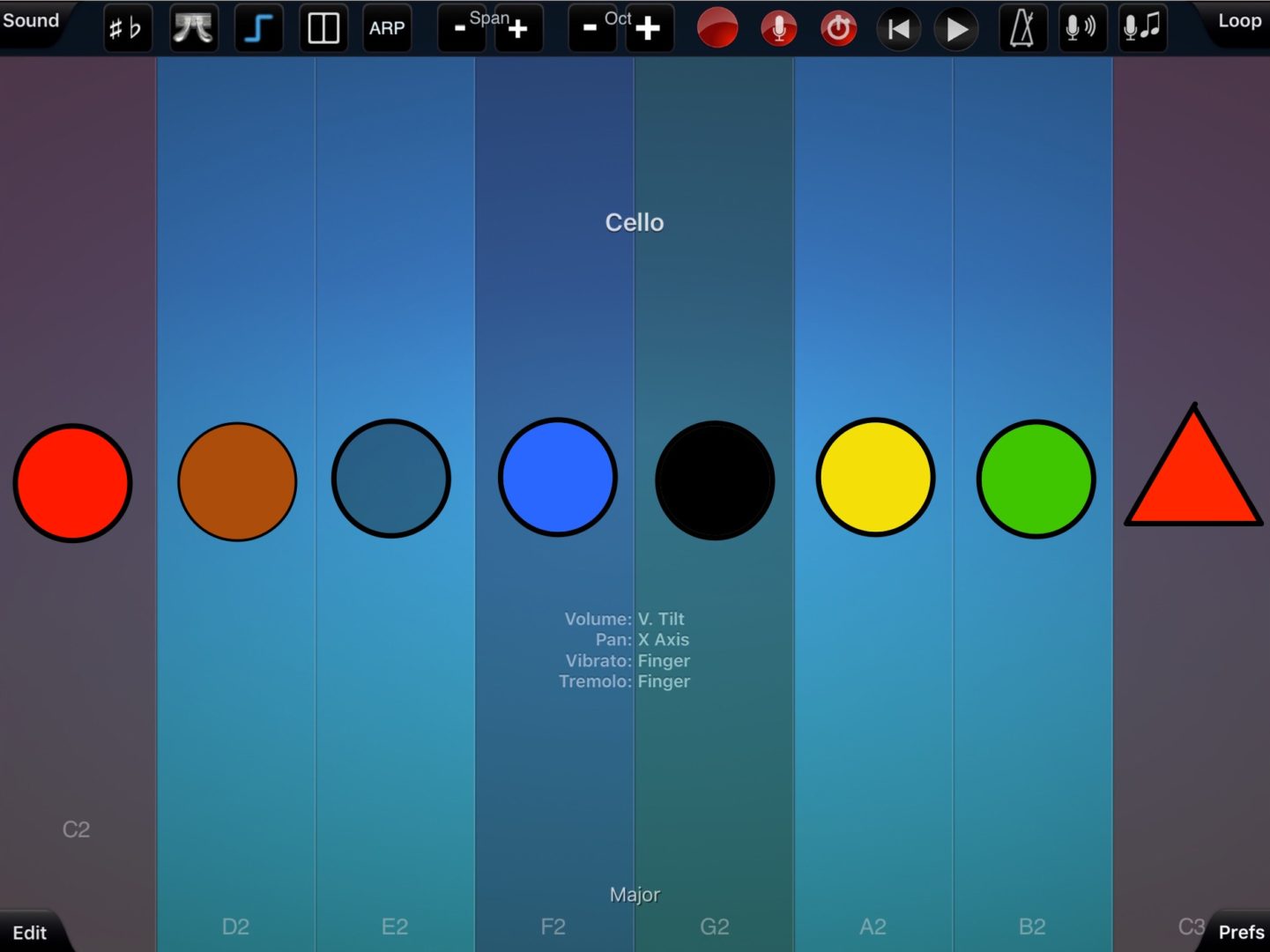
Thumbjamming with Figurenotes
Thumbjamming with Figurenotes
13 June 2017
Published in
Thumbjamming with Figurenotes
Lauren Clay
Full size
Full size 1441 × 1080
#lmsmart_search_6ab663477238b:hover { color: rgba(30,40,69,1) !important; }#lmsmart_button_6ab66347796bd { color: rgba(7,47,96,1); }#lmsmart_button_6ab66347796bd:hover { color: rgba(7,47,96,1); }#lmsmart_button_6ab66347796bd { border-color: rgba(30,40,69,1); background-color: rgba(249,232,20,1); }#lmsmart_button_6ab66347796bd:hover { border-color: rgba(30,40,69,1); background-color: rgba(0,166,214,1); }#lmsmart_button_6ab663477e6a7 { color: rgba(7,47,96,1); }#lmsmart_button_6ab663477e6a7:hover { color: rgba(7,47,96,1); }#lmsmart_button_6ab663477e6a7 { border-color: rgba(30,40,69,1); background-color: rgba(249,232,20,1); }#lmsmart_button_6ab663477e6a7:hover { border-color: rgba(30,40,69,1); background-color: rgba(0,166,214,1); }